Zolyp creates Threads posts (short, conversational text with an optional on-brand image) then schedules and publishes them to your connected account, in the same voice as the rest of your week.
What Zolyp creates for Threads
- Text, long posts and threads, with a link card
- Photos, carousels and video
- Polls, a topic and who can reply
Up to 500 characters per post.
What Threads allows
- Caption limit
- 500 characters
- Images
- JPG, PNG
- Max image size
- 8 MB
- Video
- MP4, MOV
- Max video length
- 5 min
- Alt text
- up to 1,000 characters
- Posts per day
- 50 per connected account
- Comment replies
- supported
Zolyp writes and crops to these automatically. Every platform’s rules
A coffee roaster posts a quick behind-the-scenes update to Threads the same week it goes out everywhere else, without writing it twice.
How it works on Threads
- 1
Start with an idea
Give Zolyp a topic, point it at your site, or let the plan surface one. You choose which platforms each post is for.
- 2
Zee creates the post, on brand
Working from your Brand Brain, Zolyp writes the caption and designs an on-brand visual, fitted to Threads. Your voice, your colors, every time.
- 3
Schedule or publish to Threads
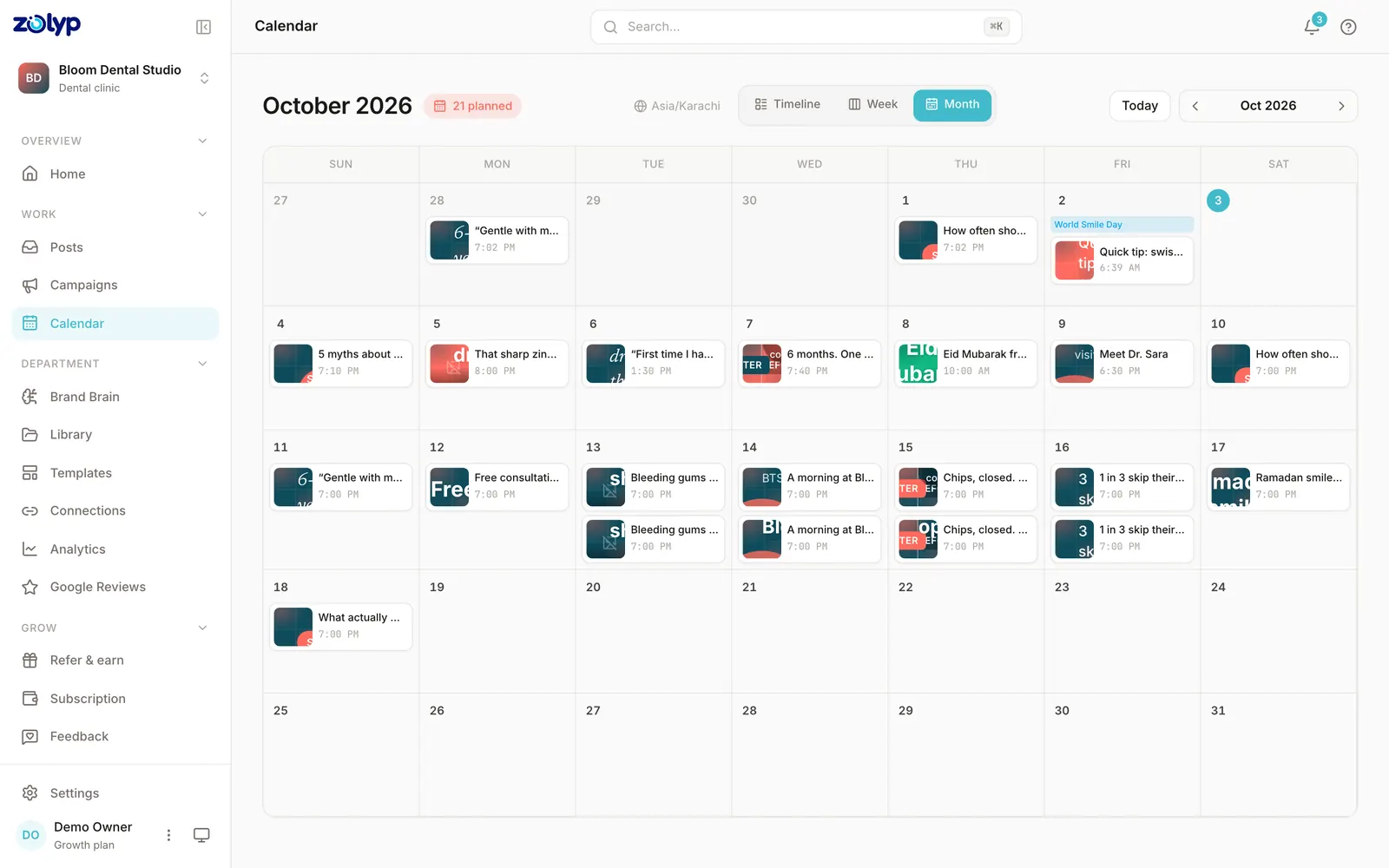
Approve it, and Zolyp schedules or publishes straight to your connected Threads account. Hand off pillars to autopilot when you trust the output, keeping a veto window.
It stays on brand because every post pulls from Brand Brain, and it all starts in Create.
Can you schedule Threads posts without Zolyp?
Yes. Threads's built-in scheduler is in the Threads composer: the three-dot menu, then Schedule. It handles the timing of posts you've already made; planning and writing them is still yours.
- How far ahead
- Not stated by Threads
- Main limit
- Scheduled posts wait in drafts, where you can edit or delete them
Source: Threads: scheduling announcement, checked 9 October 2026.
Threads questions
Does Zolyp post to Threads automatically?
Yes. Connect your account and Zolyp publishes on your approved schedule, with a veto window before anything goes live.
Will Threads posts sound different from my other platforms?
Yes, on purpose. Threads is short and conversational, so Zolyp writes for that tone specifically rather than reusing an Instagram or X caption verbatim.
Can I remove a Threads post after it's live?
No. Threads doesn't let apps delete a published post, so remove it in the Threads app.
What is the caption limit for Threads posts?
Threads allows up to 500 characters per caption. Zolyp writes and trims each Threads post to fit, so nothing is cut off when it publishes.
Can Zolyp publish images and video to Threads?
Zolyp publishes images (JPG, PNG, up to 8 MB) and video (MP4, MOV, up to 5 min) to Threads. Media that breaks a rule is flagged before the post is queued, not when it fails to publish.
How many posts a day can Zolyp publish to Threads?
Up to 50 per connected Threads account. Zolyp checks the cap before a post is queued, so a busy week doesn't fail on the platform's side.
Can Zolyp reply to Threads comments?
Yes. You can read, reply to, and delete comments on your Threads posts from the post details drawer in Zolyp.
More on Threads
- How to post on Threads from the app or a computer
- How to set up Threads for your business: profile, replies and ads
- How the Threads algorithm works
- Threads vs X: how they compare for a business
- Threads analytics: how to use Threads Insights
- How to use topic tags on Threads
- How to pin a post on Threads
- How to delete or deactivate your Threads profile
- How to make your Threads profile private
- How to share your Threads posts to the fediverse
- How to make a poll on Threads
- How to limit and manage replies on Threads
- How to create a custom feed on Threads
- How to send and manage messages on Threads
- How to edit your Threads profile, bio and links
- How to add and switch between Threads profiles
- How to hide likes on Threads
- How to add alt text to Threads photos and videos
- How to tag and mention someone on Threads
- How to turn off and manage notifications on Threads
- How to secure your Threads account
- How to get verified on Threads
- How to repost on Threads
- How to block someone on Threads
- How to join a community on Threads
- How to make a ghost post on Threads
- How to advertise on Threads
- How to label AI content on Threads
- How to check your Threads account status
- Threads marketing strategy for small business: a one-page plan
- Threads content ideas for business: 40 posts that start conversations
- How to grow on Threads as a business
- Threads statistics for 2026
- Write Threads posts free with the AI post generator
- Check your Threads caption against the 500-character limit
- Threads publishing rules, limits and requirements
- Every platform Zolyp publishes to
Put Threads on autopilot
Start free and see a week of Threads posts planned, written, and designed before you pay anything.
Start free for 3 days