Start with full review.
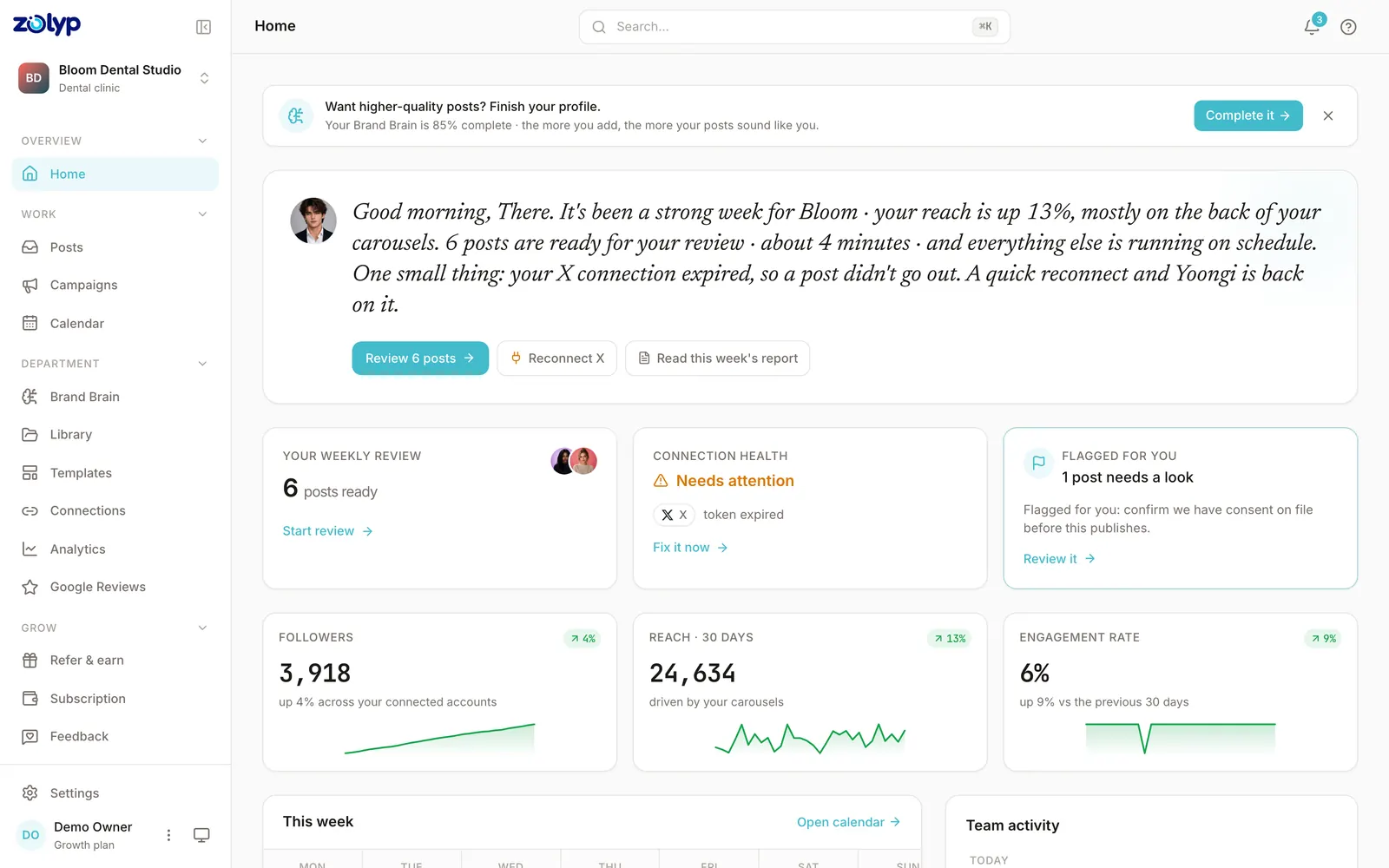
Nothing publishes without your yes. You see every post exactly as it will look live, then approve, tweak, or reject in seconds.
Autopilot
Autopilot is how Zolyp becomes your department · not another tab. Approve the rules once, then let the team plan, create, and publish with the control level you choose.
Why it matters
Schedulers only move what you already made. Autopilot closes the gap: the team keeps producing in your voice, on your pillars, at the times your audience is awake.
How it works
Nothing publishes without your yes. You see every post exactly as it will look live, then approve, tweak, or reject in seconds.
Hand educational content or tips to autopilot first. Keep offers and launches under review until you're ready.
Even on autopilot, you can pull a post before it ships. Control stays yours; the busywork doesn't.
Trust, not guesswork
This isn't fire-and-forget spam. It's a managed team with clear rules, a learning loop, and an off switch on every pillar.
Per-pillar autonomy levels
Veto window before publish
Learnings flow back into Brand Brain
Platforms
Autopilot formats each post for the network it goes to · not the same caption pasted five times.
Most social media automation handles the repetitive end of posting: queuing, publishing at a set time, recycling evergreen posts, or firing a post from a trigger such as a new RSS item. What it usually can't do is decide what to say. Autopilot automates further up the chain, but only as far as you allow.
Hand work over in steps, and keep the right to pull it back:
Autonomy is not a plan gate: every plan can use Autopilot, including per-pillar autonomy and the veto window.
From customers
“We stopped treating social like a second job. Posts show up ready · and they already sound like us.”
Create
From a sentence to a full post · caption, visual, and hashtags.
Composer
Your chat with Zee · where ideas become posts without a blank page.
Calendar
A living content calendar planned around your pillars · not an empty grid.
Post
Yoongi ships approved posts to every connected account · on time.
Analyze
Pareesa turns numbers into a clear Friday report · not another dashboard maze.
Brand Brain
Tone, colors, banned topics, and CTAs · the source of truth every post pulls from.